Free AI image generator: the complete guide
Type a sentence, get a picture. That is the whole promise of an AI image generator, and the box above delivers it without an account, a credit card, or a watermark stamped across your result. Below: how the technology actually works, how to write a description that gets you what you pictured, how this tool compares to the paid options, and where image AI still falls short.
What is an AI image generator?
An AI image generator is a program that turns a written description into an original picture. You write what you want to see — a subject, a setting, a mood — and a model trained on hundreds of millions of image-and-caption pairs produces an image that matches it. Nothing is copied and pasted from a stock library: every result is generated from scratch, pixel by pixel, which is why the same description run twice gives you two different images.
The practical consequence is that you no longer need drawing skills, a photo shoot, or a stock subscription to get a specific visual. A blog header, a birthday card, a logo concept, an illustration for a slide deck — anything you can describe in a sentence is a few seconds away. What you still need is a clear idea of what you want, and the vocabulary to express it. That part is the skill, and this page is largely about it.
From text to image: how does it work?
Modern image models start from pure visual noise and refine it step by step, checking at each stage that the result matches your description more closely than the last. Picture a photograph developing in reverse: the model begins with static and gradually removes everything that does not belong, guided by your words. After a few dozen passes, a coherent image emerges. This is why generation takes seconds rather than milliseconds — you are watching real computation, not a database lookup.
The generator on this page runs on GPT Image 2, OpenAI's image model, at standard quality, or high quality with a subscription. It handles composition and lighting particularly well, and it is one of the few models that renders short text inside an image reliably enough to be useful for a logo or a poster. Your description is sent to the model along with the style you selected; nothing else about you is transmitted.
How to create an AI image in 3 steps
The whole process fits in one screen. There is no settings panel to learn and nothing to install.
- 1Describe your idea in the text box: the subject, the setting, the mood, the colors. The more precise you are, the more faithful the result.
- 2Pick a style (realistic photo, illustration, logo, watercolor, 3D…) and a format — square for a post, portrait for a story, landscape for a banner.
- 3Click "Generate my image", wait about fifteen seconds, then download your creation as a PNG — or run a variation to compare.
Realistic AI photo or illustration: which style to choose?
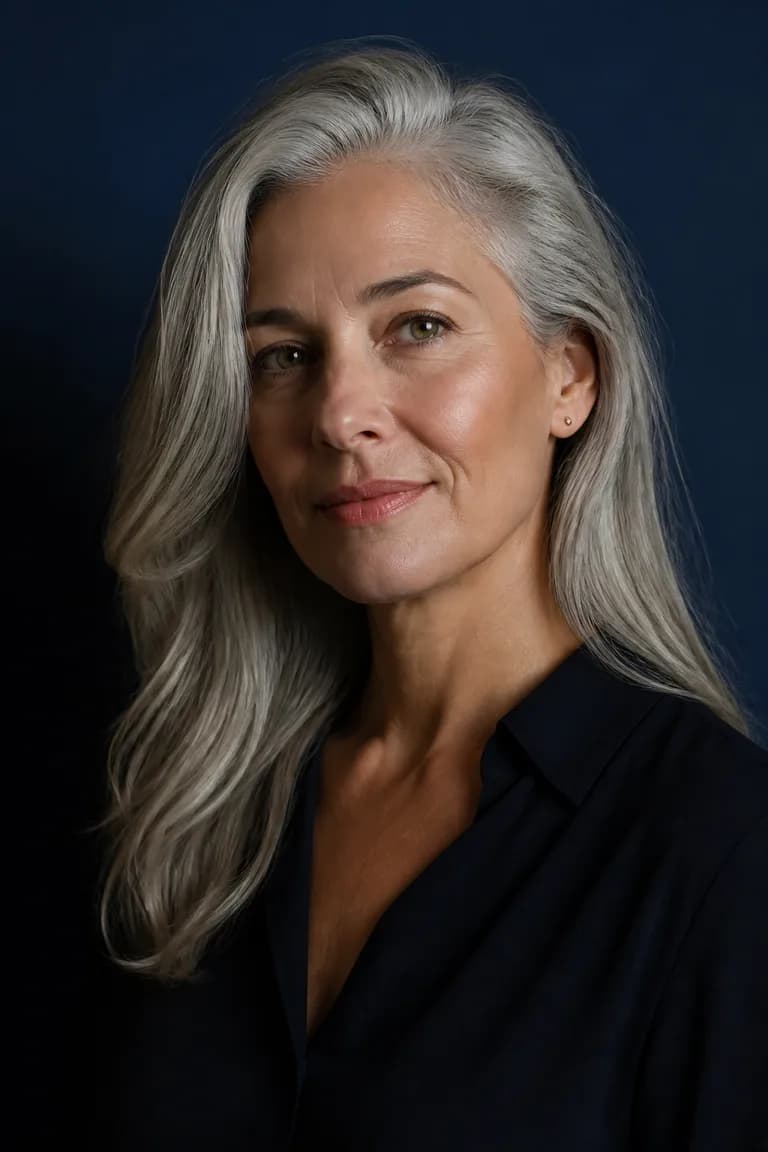
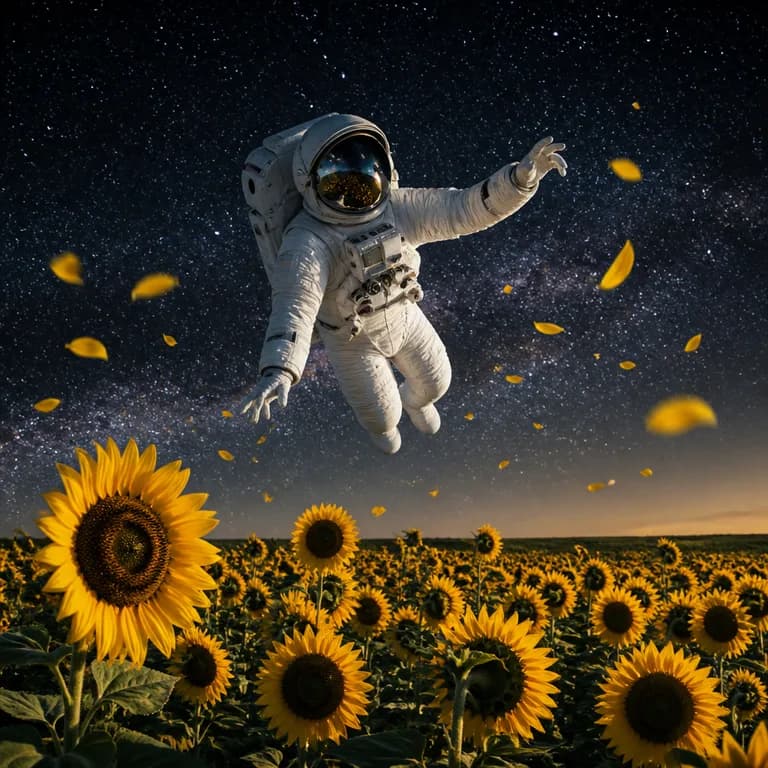
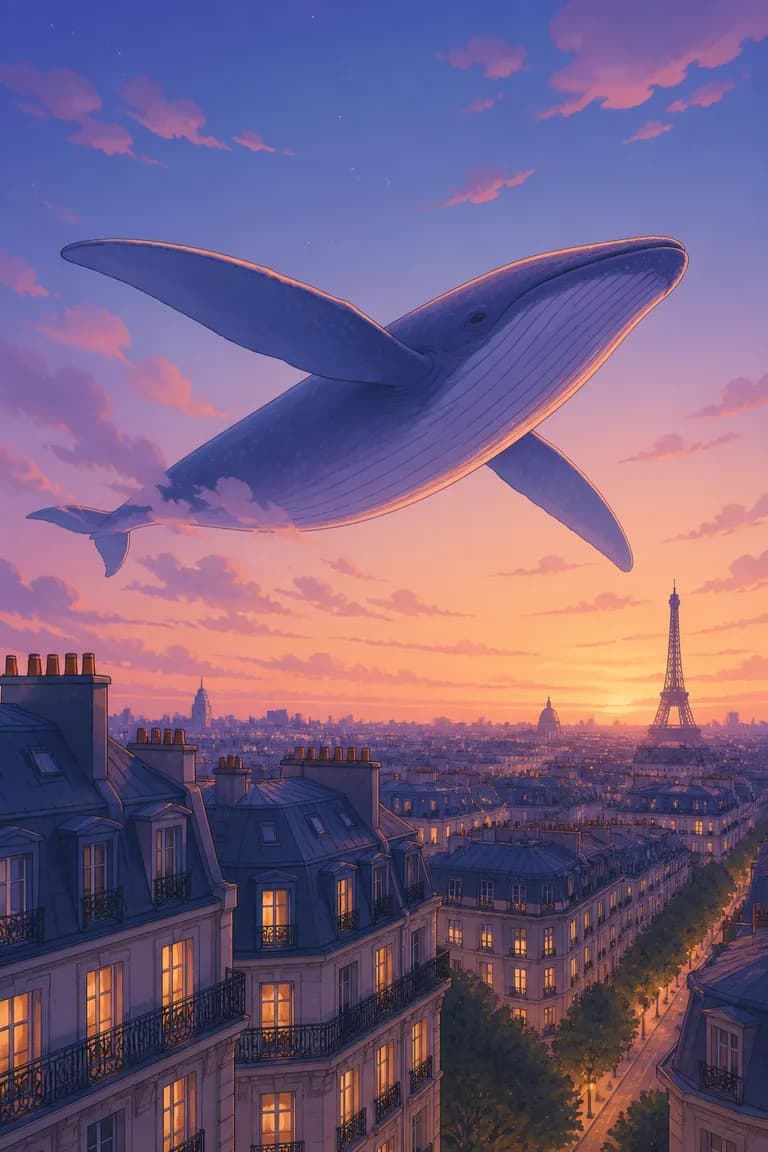
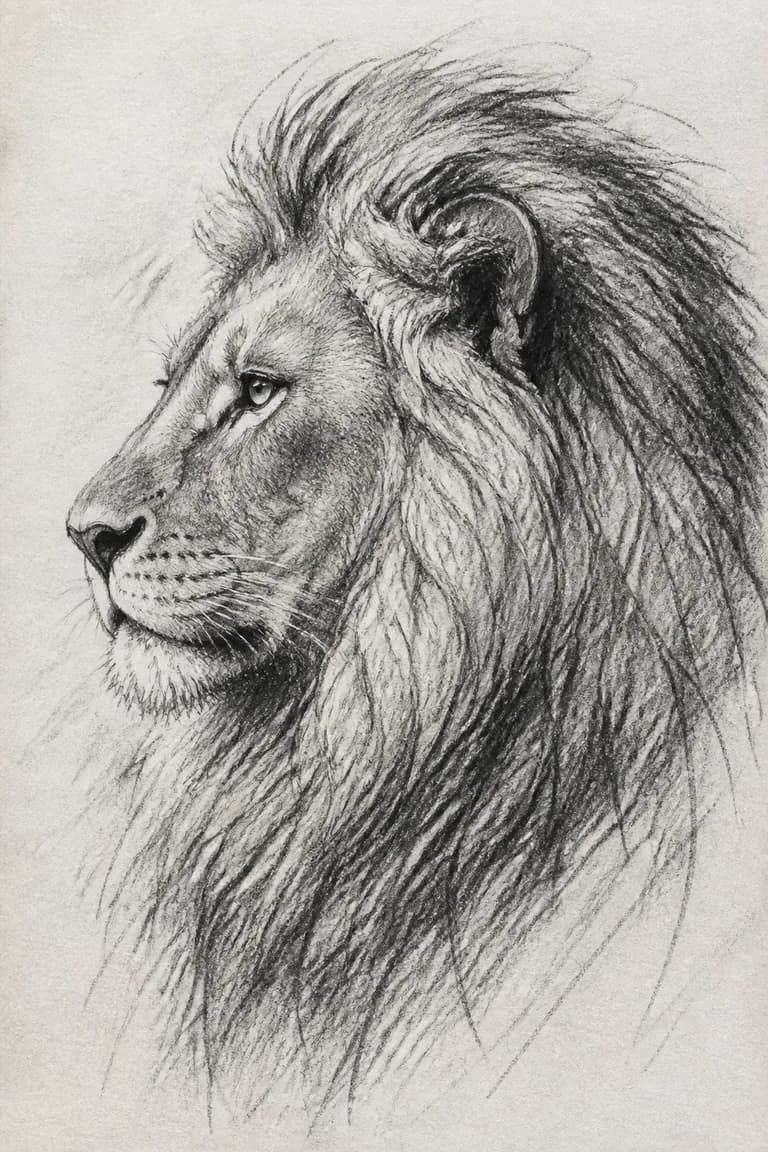
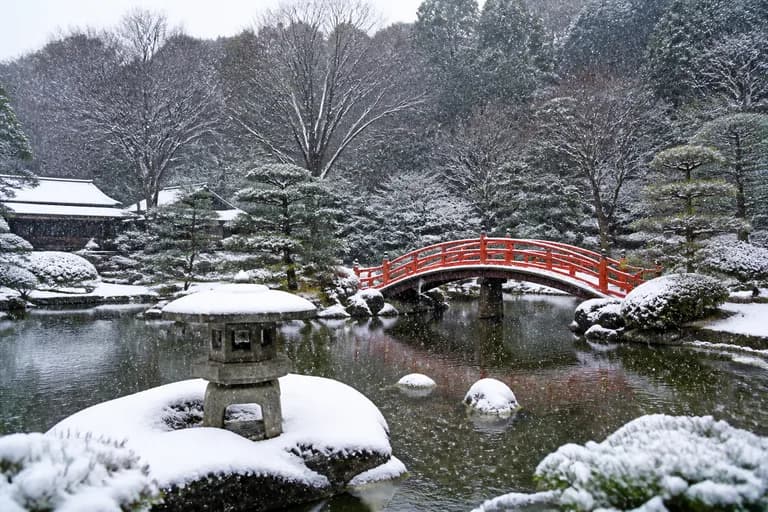
The style you pick changes the result more than any adjective you could add to your description. The same sentence rendered as a photograph and as an illustration produces two images with nothing in common visually — same subject, entirely different intent. Choosing the style first, then describing the content, is the fastest route to a usable image.
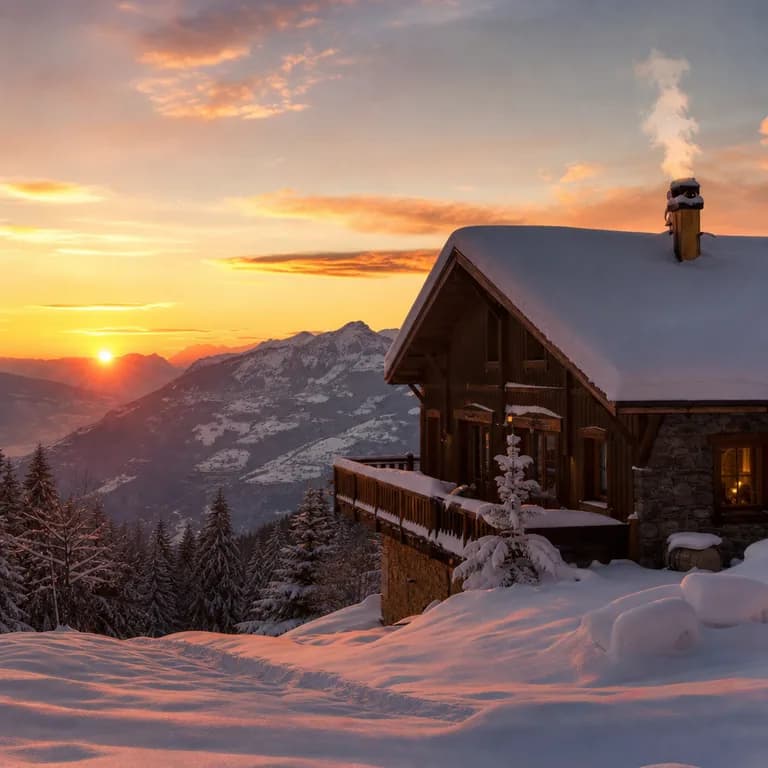
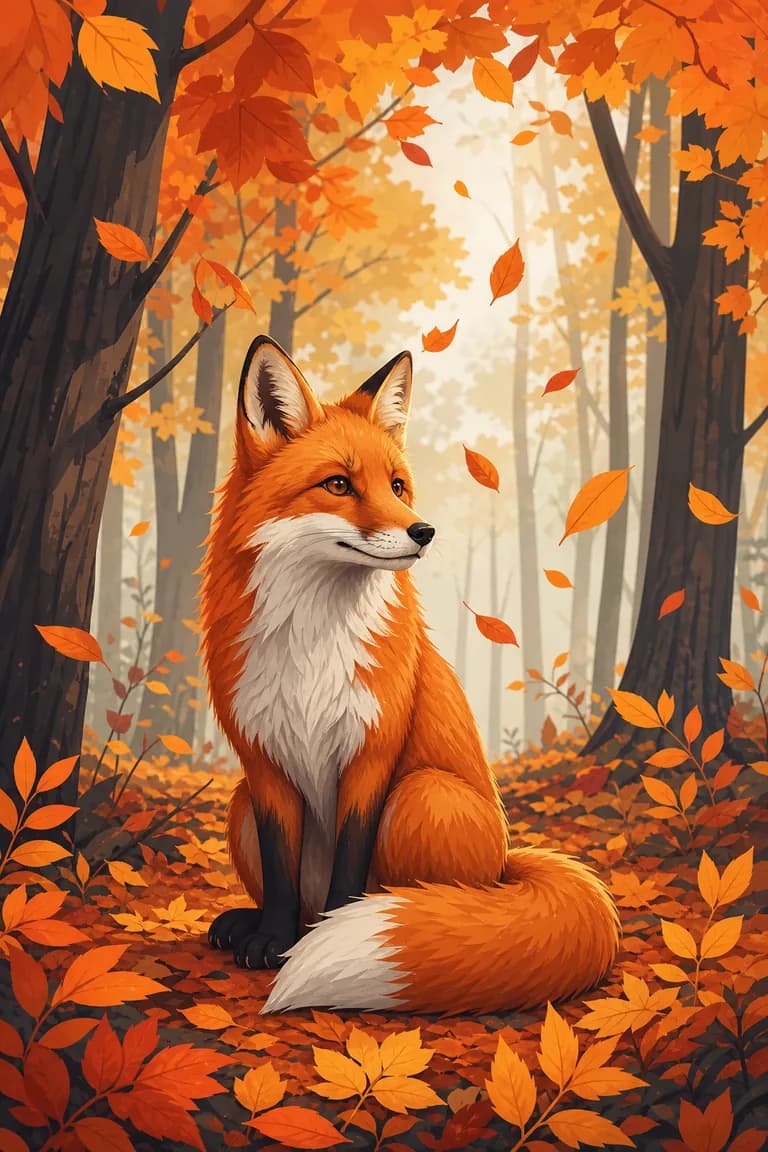
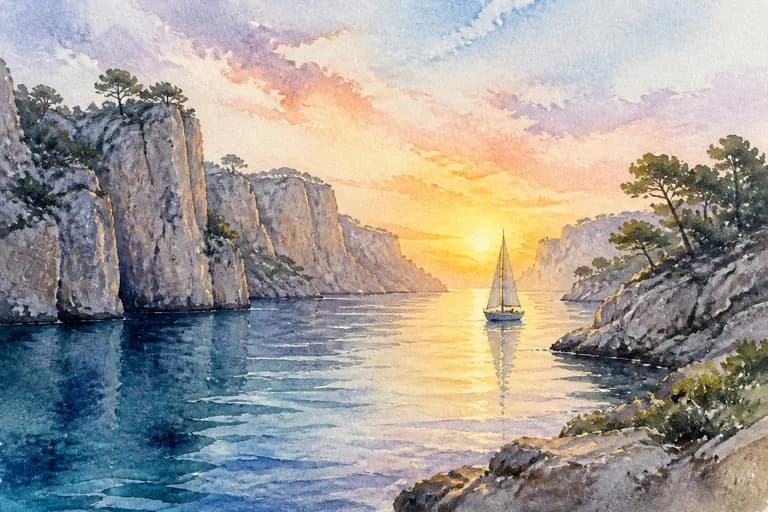
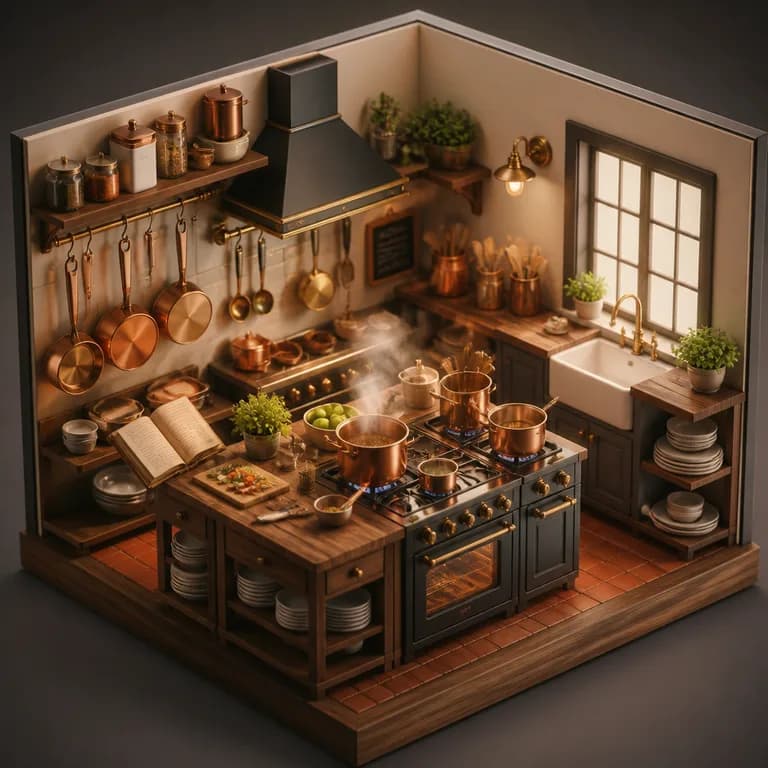
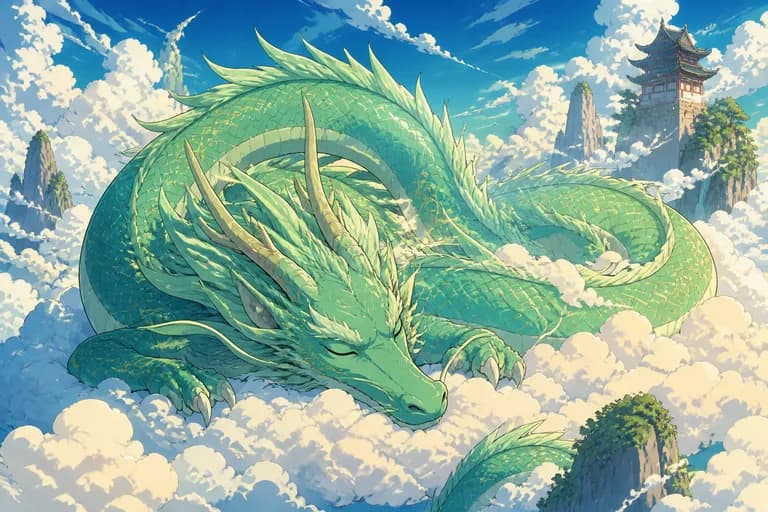
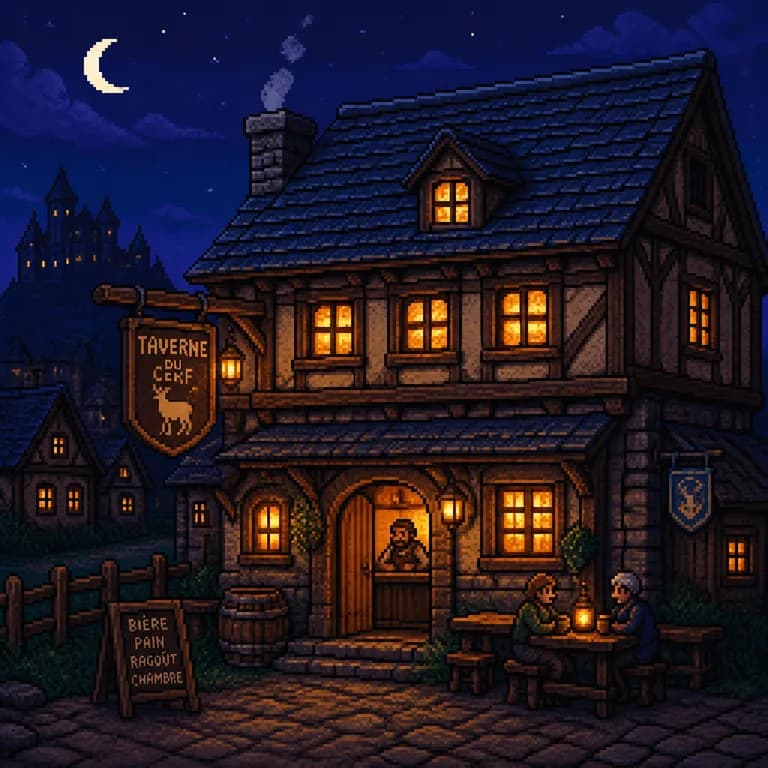
As a rule of thumb: pick photo when the image has to look like it was taken with a camera, illustration for anything editorial or playful, logo when you need a clean shape on a plain background, watercolor and sketch for a handmade feel, 3D for product-like renders, and anime or pixel art when the reference is a specific visual culture. The eight thumbnails above show the same fox rendered in each style, so you can compare them directly rather than guess.
What is the best free AI image generator?
Most tools marketed as free turn out to be a trial: a handful of images, then a paywall, or a watermark you have to pay to remove. Here is where the main options actually stand in 2026:
| Tool | Free | No sign-up | No watermark | Strong point |
|---|---|---|---|---|
| Quenzai (this page) | Yes | Yes | Yes | Free with no account |
| Midjourney | No | No | Yes | Artistic quality |
| DALL·E (ChatGPT) | Limited | No | Yes | Integrated with the chat |
| Canva | Limited | No | Paid plan | Full editor |
| Ideogram | Limited | No | Free plan | Text inside images |
The honest summary: the paid tools give you more control, more resolution, and no daily ceiling. If you generate images all day, they are worth the money. If you need a handful of good images now, without creating yet another account, the generator above does the job — same class of model, no sign-up, no watermark, and a quota that refills every day.
10 tips for better image prompts
The difference between a disappointing result and a great one is almost always the description. These ten habits do most of the work:
- Name the main subject AND its action ("a fox leaping", not just "a fox")
- Describe the setting and background (autumn forest, modern kitchen, plain backdrop…)
- Specify the light (golden, dim, neon, backlit) — it's what creates the mood
- State the framing (close-up, aerial view, wide shot)
- Add 2-3 dominant colors if you have a palette to match
- Use the style thumbnails instead of describing the style in your text
- For a logo: ask for a plain background and a centered composition
- Avoid negations ("no trees" works poorly — describe what you want to see instead)
- Keep any text inside the image to 2-3 words maximum
- Generate a variation rather than rewriting everything: two tries beat one perfect prompt
Prompt ideas to get you started
Click any of these to load it into the generator above, then edit it to make it yours.
The honest limits of an AI image generator
Three weaknesses are worth knowing before you start. Hands still come out wrong often enough to be a running joke — extra fingers, impossible thumbs. Long text inside an image degrades into plausible-looking gibberish past a few words. And a specific real face is essentially out of reach: the model produces someone who resembles the description, not the person you had in mind. Framing that avoids hands, keeping text to two or three words, and describing a type of person rather than a particular one will sidestep most of it.
On usage rights: you can use your creations for personal and professional projects. What you should not do is generate images that imitate a living artist's signature style, a protected character, or a real person — that is where the legal ground gets soft, and you remain responsible for the final use. Finally, the daily quota is not a growth tactic: each image costs real compute, and a per-day ceiling is what keeps this tool free and ad-free instead of subscription-only.